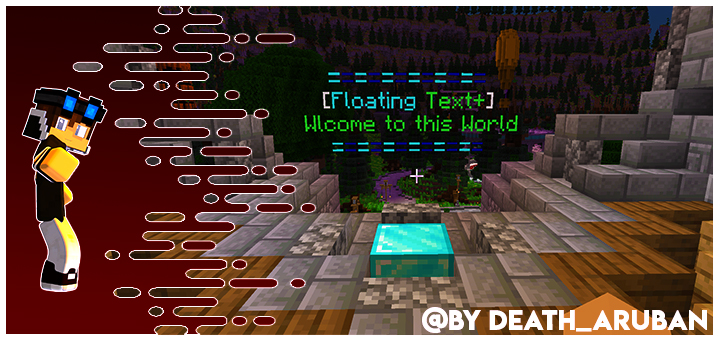
If you want to give a personal touch to the world with floating writings, this addon is for you, like in real servers, you can go through it and the writing stays there, without it moving.With the new update you can rename and spawn with article.
=•=•=•=•=•=•=•=•=•=•=•=•=•=•=•=•=•=•=•=•=•=•=•=•=•=•=•=•=•=•=•=•=•=•=•==•=•=•=•=•=•=•=
To create the floating lettering is very simple.
First you need to spawn the entity.
-Doing / summon entity: floating_text text ~ ~ ~ name “Name that will be visible floating”.
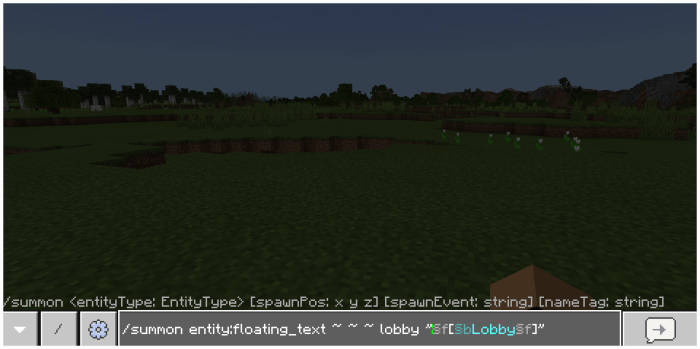
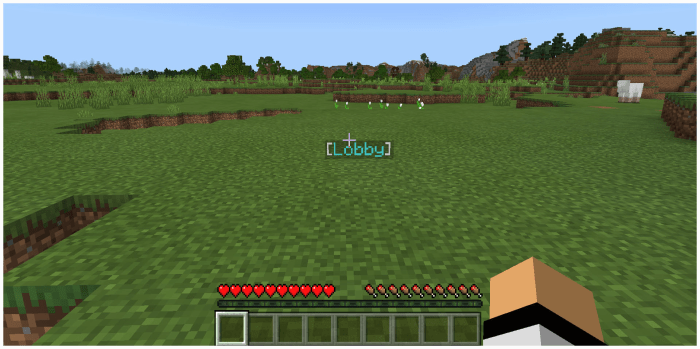
-For the second method just use floating text item
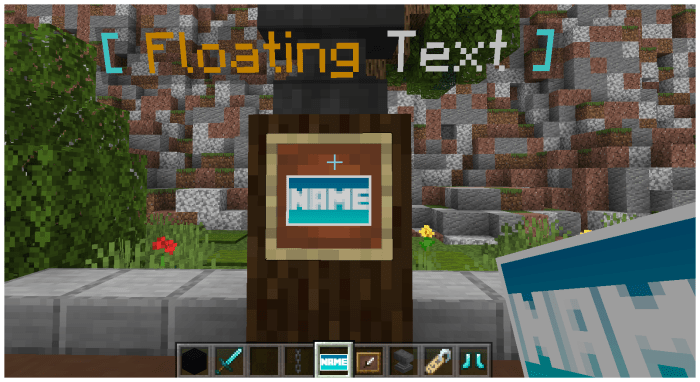
once you get the item rename it in the anvil, now you can do it with multiple lines.
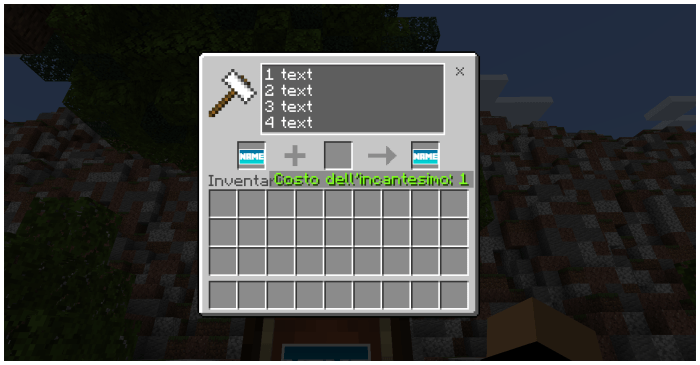
once done place it on the ground with the right click.
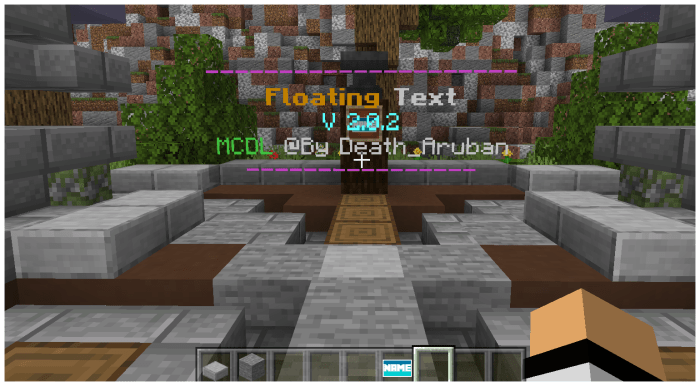
If you once wrote and placed it, but you want to update it, just take the plate and rename it and then right click on the writing and it will change.
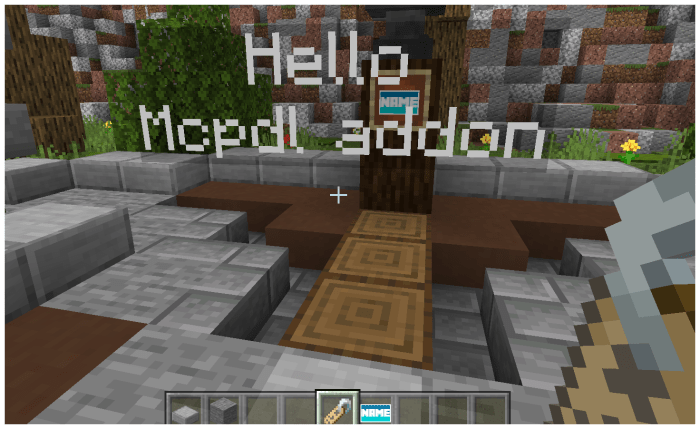
if you want to remove the holographic wording, just go over it and kill @e [r=1,type=entity: floating_text] and then remove it.
-Instead if you want to create written like this:
=•=•=•=•=•=•=•=•=•=•=•=•=•=•=•=•=•=•=•=•=•=•=•=•=•=•=•=•=•=•=•=•=•=•=•==•=•=•=•=•=•=•=
-To modify or use this package ask the creator.
-Don’t use the package as the creator, but give credit to its creator.
-Do not post the package on other sites.If you are caught using the package without consent, making changes or pretending to be your own you are against the copyright of the product provided for you and your enjoyment
=•=•=•=•=•=•=•=•=•=•=•=•=•=•=•=•=•=•=•=•=•=•=•=•=•=•=•=•=•=•=•=•=•=•=•==•=•=•=•=•=•=•=
Leave a Reply